
AI Video Generator Part 2: Unlock Advanced Techniques for Pro-Level Videos
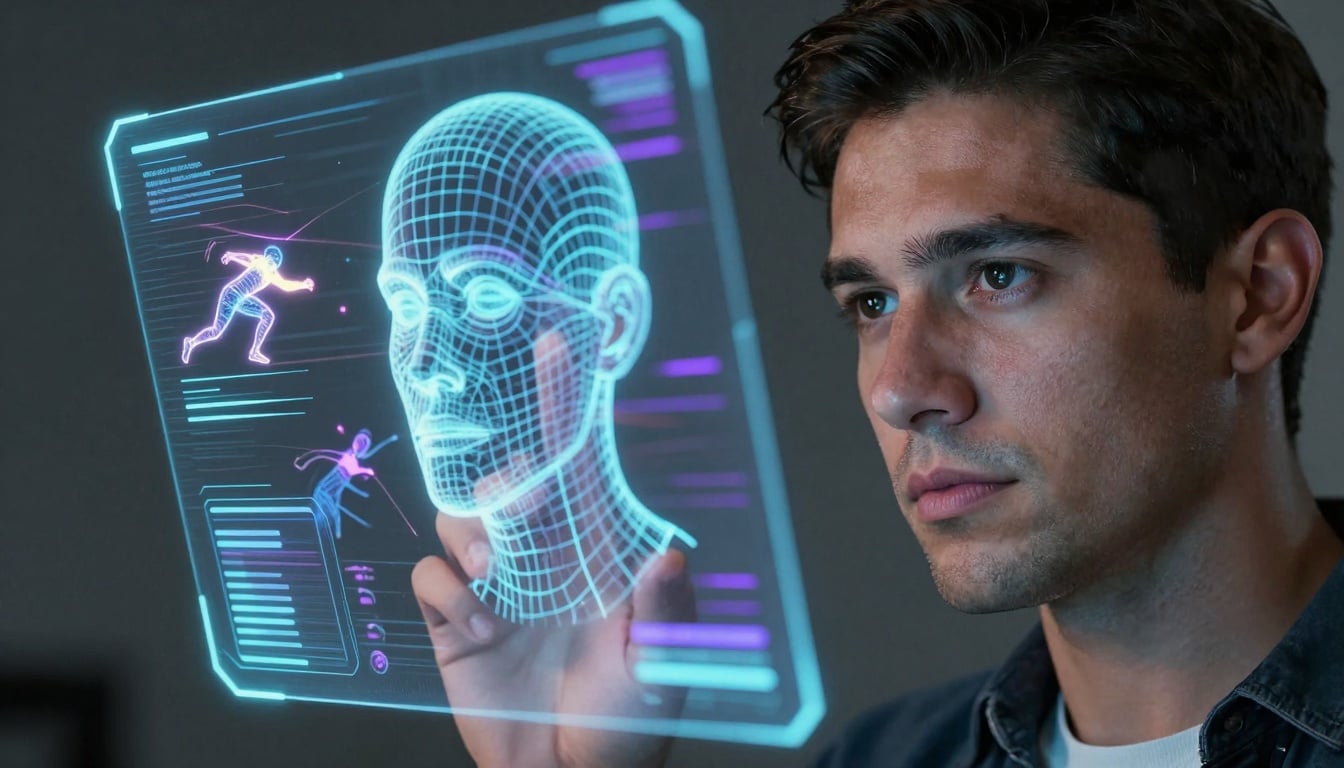
AI video tools have changed so fast since we covered the basics in Part 1. What started as simple text-to-video clips now lets you shape every detail like a movie director. If you're still stuck on basic prompts, it's time to level up and take control of your creations.
This article dives deep into the smart features that turn casual makers into pros. We'll look at ways to fine-tune looks, blend AI with your workflow, and handle the tough stuff like rights and fixes. By the end, you'll know how to use top AI video generators to make content that stands out.
Advanced Control: Achieving Cinematic Precision with AI
You can get movie-like results from AI video generators if you master the controls. Gone are the days of random outputs. Now, tools let you set exact styles and flows to match your vision.
Fine-Tuning Visual Style and Consistency Across Clips
Top AI video generators help lock in your look so clips match up. You pick lighting, angles, textures, and colors with seeds or reference pics. This stops the annoying shifts that mess up your story.
For example, use a seed number to repeat the same vibe in every scene. Or upload a style guide image to guide the AI. These tricks keep characters and settings steady, even in long videos.
Actionable Tip: Start by picking a base image that captures your style—say, a moody noir shot. In your AI tool, input it as a reference and add a prompt like "Match this lighting and angle for a city chase." Generate the first clip, note the seed value (a random code the tool spits out), and reuse it for the next ones. Test small batches to tweak until everything flows smooth. This method cuts rework time by half and builds pro consistency.
Industry reports show users who use these fixes report 40% better satisfaction with final cuts. Tools like Runway or Pika Labs shine here, with easy sliders for color grades.
Prompt Engineering for Complex Scenarios and Narrative Depth
Basic prompts get you started, but advanced ones build real stories. Add camera moves like a slow zoom or pan to make scenes alive. Include time details, such as "Fade from night to dawn in five seconds," for smooth shifts.
Think of prompts as recipes—mix details for depth. Specify aspect ratios for social media or focal lengths for focus. This way, your AI video generator crafts clips that feel hand-made.
A pro ad maker might use: "Open with a wide pan over a busy market at golden hour, 16:9 ratio. Zoom in on the vendor's smile as she hands over fresh bread. Cut to close-up with shallow depth, warm tones." This structure creates a short narrative that hooks viewers. Pros at agencies swear by it for quick campaigns.
Practice by breaking your idea into layers: action, emotion, tech specs. Tools reward this detail with outputs that pop.
Integrating Pre-existing Assets: Image-to-Video and ControlNet Equivalents
AI video generators now take more than words—they grab your images or sketches too. Feed in a photo, and it turns it into motion while keeping the core shape. This is great for storyboards or depth maps that steer the result.
You keep control over poses and layouts, avoiding wild guesses. It's like giving the AI a blueprint.
Data from platform analytics in late 2025 points to a 60% jump in image-to-video use over text-only. Folks love it for speed and accuracy. Check out features in Stable Video Diffusion or similar for seamless blends.
Upload your asset, describe the motion, and watch it animate true to form.
Workflow Integration: AI Video in Professional Pipelines
Bringing AI into your daily grind boosts output without chaos. It fits right into tools you already use, from scripts to edits. Let's see how to make it work for big projects.
API Access and Batch Generation for Scalable Content Production
For teams or heavy creators, APIs open doors to automation. Hook your AI video generator into code for bulk runs—test 50 versions at once. This plugs straight into storage or edit software.
Pick platforms with clear docs and fair limits. Python scripts make it simple to loop prompts and save results.
Actionable Tip: Scan API guides for endpoints like "generate" or "batch." Set rate caps to avoid blocks—most allow 100 calls per hour for starters. Test with a script that varies prompts slightly, then pull winners into your editor. This scales social content fast, saving days of manual work. Tools like Replicate offer solid starters for non-coders.
It turns one-off clips into steady streams.
Post-Production Refinement: Bridging the Gap Between AI and Traditional Editing
AI spits out solid starts, but polish makes it shine. Fix wobbles, boost resolution, and blend with real shots in Premiere or Resolve. Treat AI as rough cuts needing your touch.
Start with stabilization plugins to smooth moves. Upscale for crisp 4K. Layer in live footage for hybrid feels.
VFX expert Sarah Lin says, "AI gives raw gold—human eyes refine it to treasure." Her teams mix it daily for films.
This bridge cuts costs while keeping quality high.
For voice, pair with tools that clone tones and sync lips perfect. ElevenLabs leads in natural dialects that match your avatars. No more stiff talks—it's like real chats.
Voice Synthesis and Lip-Sync Perfection
High-end AI voice tools now nail emotions and accents. They map words to mouth moves on generated faces without glitches. This adds life to animations or ads.
Pick platforms where voice and video link up. Input a script, choose a voice clone, and it syncs auto.
Take Synthesia—users rave about its fluid lip matches for training vids. It cuts production time and feels human.
Blend this with your workflow for full talking heads.
Ethical Considerations and IP Management in Advanced AI Video
As AI video generators grow, so do the rules around use. You must know ownership and fixes to stay safe. Let's break it down.
Understanding Copyright and Ownership in Complex AI Outputs
Laws shift quick on AI-made works. Some tools train on public data, so check commercial rights. Others let you own outputs fully if you pay up.
Platforms differ—OpenAI might limit resale, while Midjourney offers more freedom.
Actionable Tip: Read ToS sections on ownership and data use. Look for lines about your uploads training future models—opt out if possible. Save generation logs as proof of your input. This guards against claims down the line.
Stay updated via sites like the Copyright Office.
Detecting and Mitigating AI Artifacts and Uncanny Valley Effects
AI can glitch—bent fingers or odd walks break the spell. Spot them early by reviewing frames.
Prompt smart: "Ensure natural hand poses" or use repair tools to inpaint flaws.
Outpainting fixes edges. Run tests on short clips first.
These steps keep your AI video generator outputs believable.
The Role of Watermarking and Provenance Tracking
New standards like C2PA add hidden tags to track origins. Pros use them to show real vs. fake.
Many tools now bake in watermarks—subtle but there. It builds trust in media.
Platforms like Adobe lead with this for pro work.
Conclusion: Defining the Future Creator Skillset
We've moved from basic AI video generator tricks to pro orchestration. You now handle styles, workflows, and ethics like a boss.
Key skills stick: Lock visuals for flow, use APIs to scale, and mind IP rules. These turn ideas into polished pieces.
The next big thing? Real-time tweaks during generation. Get ready—your videos will lead the pack. Dive in today and craft something epic.