
The Future is Now: Mastering AI Video Generator Technology for Unprecedented Content Creation
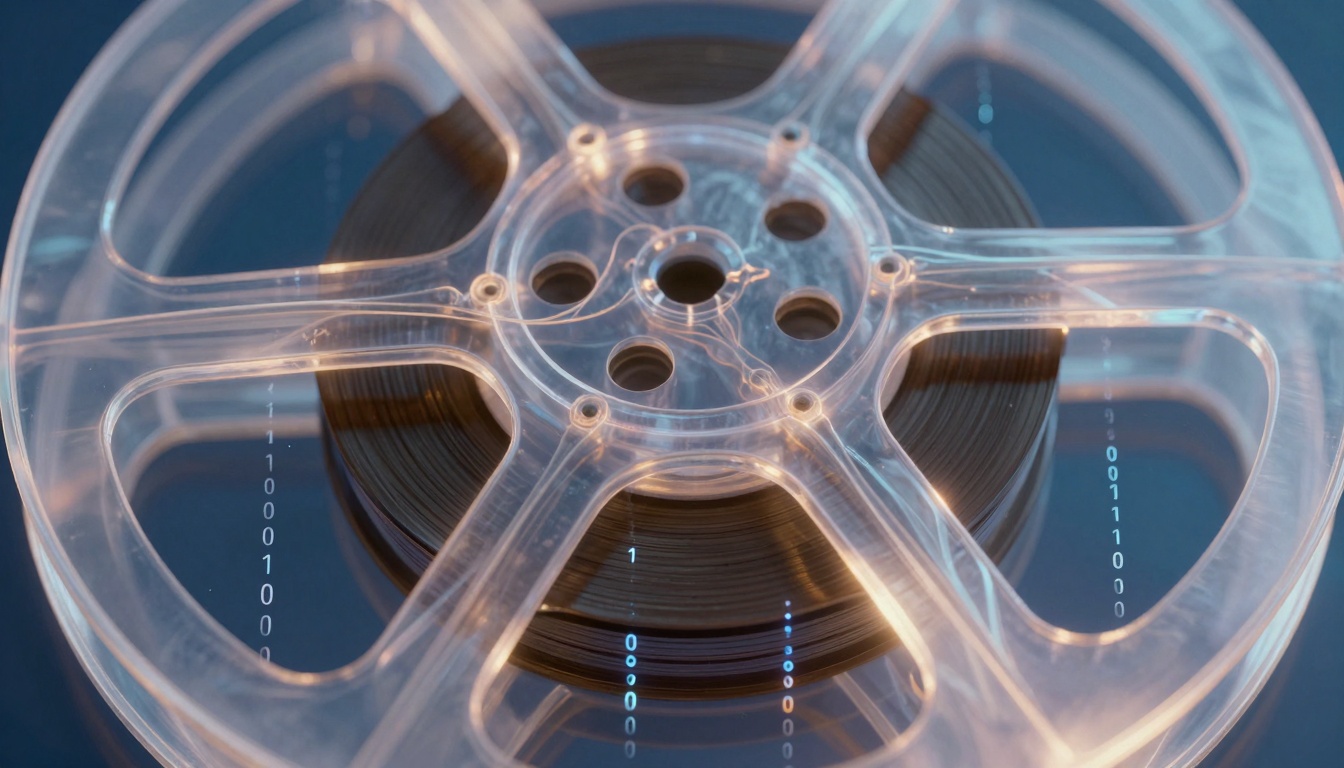
In a world flooded with videos, standing out gets harder every day. Traditional production eats up time and money, leaving creators scrambling for faster ways to produce content. You need tools that scale without breaking the bank.
AI video generation changes all that. It uses smart algorithms to build, tweak, or boost video from simple text ideas, scripts, or old clips. This article looks at how the tech works, where it shines in real life, its perks and pitfalls, plus top tools leading the pack.
Understanding the Core Mechanics of AI Video Generation
AI video generators rely on clever tech to turn words into moving pictures. They blend math and machine learning to mimic human creativity. Let's break it down step by step.
Text-to-Video Synthesis Explained
These tools start with text prompts, like "a cat chasing a laser in a sunny park." Large language models, or LLMs, first grasp the words. Then diffusion models, similar to those making images, build frames one by one.
The real trick lies in keeping things smooth. Frame consistency means each shot flows without jumps. Temporal coherence ensures motion looks natural, like real life.
Think of it as a digital artist sketching a storyboard, then animating it frame by frame. Challenges pop up with complex scenes, but newer models handle them better. You get videos that feel alive, not robotic.
Deepfakes, Avatars, and Synthetic Media
Deepfakes swap faces or voices for realistic results. Avatars act as virtual hosts, from cartoonish to photo-real. Synthetic media mixes all this to craft custom clips.
On the tech side, neural networks train on huge datasets of faces and movements. Ethical worries arise with misuse, like fake news. But for good use, companies build digital spokespeople for training videos or ads in different languages.
Photorealistic avatars suit serious talks, while stylized ones fit fun content. Tools let you tweak expressions or backgrounds easily. This opens doors for personalized videos without hiring actors.
Automated Editing and Script-to-Scene Conversion
AI speeds up the boring parts of video making. It scans scripts and pulls matching scenes or generates new ones. No more hours hunting for B-roll.
Automatic cuts remove pauses and filler words. Subtitles appear in sync, and tools adjust formats for TikTok or YouTube. It's like having an editor who never sleeps.
You feed in a script, and out comes a polished video. This cuts production time from days to minutes. Creators focus on ideas, not tech hassles.
Key Applications Transforming Industries with AI Video
AI video generators touch many fields. They boost output and cut costs. See how they change daily work.
Marketing and Advertising Content Velocity
Brands love quick tests. AI makes hundreds of ad versions from one idea. No need for big shoots each time.
A/B testing scales up fast. Change colors or words, see what clicks. Localized voiceovers adapt for global reach—add accents or languages in seconds.
Picture a shoe company testing ads for runners. AI swaps scenes based on viewer data. Results show higher engagement without extra spend.
For ideas on scripts, check this YouTube script tool. It helps spark ad concepts tied to video trends.
Corporate Training and Internal Communications
Old training videos cost a fortune. AI replaces them with custom explainers. No studios, just prompts.
Compliance clips or onboarding flows get dynamic. Add quizzes or branches based on user choice. Savings hit thousands per video.
Teams share updates via AI clips. A CEO message in avatar form reaches everyone fast. It feels personal, boosts retention.
Education and E-Learning Module Production
Textbooks bore students. AI turns chapters into lively videos. Animate tough math or reenact history events.
Short summaries keep attention high. Teachers tweak for class needs, like slower pace for basics. Engagement jumps, test scores follow.
E-learning platforms explode with this. Create modules on demand. No waiting for animators.
The Competitive Landscape: Top AI Video Generator Platforms
The market buzzes with options. Each tool targets different needs. Pick based on your goals.
Synthesia leads in realistic avatars. Users build talking heads from text. Great for pros wanting human-like talks.
Runway ML focuses on speed. It edits videos with AI magic, like object removal. Ideal for quick prototypes.
Pika Labs shines in animation. Turn sketches into fun clips fast. Targets creators in social media.
For titles that grab views, try this YouTube title generator. It pairs well with AI videos for better reach.
Feature Comparison: Realism vs. Speed
Realism tools like HeyGen produce lifelike faces. Rendering takes minutes but looks pro. Speed demons like Kaiber crank out animated clips in seconds.
Benchmarks show Synthesia at 4K quality, under 5 minutes per minute of video. Faster ones hit 1080p quicker but trade detail.
Choose realism for ads, speed for drafts. Many offer both modes now.
- Realism Pros: Builds trust, suits corporate use.
- Speed Pros: Iterates ideas fast, fits tight deadlines.
- Hybrid Tools: Balance both for versatile work.
Integration Capabilities and API Access
Big teams plug AI into daily tools. APIs link to CRMs for auto-personalized videos. Embed in CMS for easy site updates.
Zapier connects platforms seamlessly. Send data from emails to generate clips. Workflows hum without manual steps.
Enterprises scale this way. One prompt triggers full campaigns.
The Role of Open Source Models
Open source frees up advanced tech. Projects like Stable Video Diffusion let anyone tweak code. No paywalls for basics.
Communities build add-ons, like better prompts. It levels the field for small creators. Big firms even base products on these.
Watch for growth—more free tools mean wider use by 2026.
Navigating Challenges and Ethical Considerations
Power comes with risks. Handle AI video smartly. Stay on the right side.
Misuse spreads fakes. But guidelines help. Platforms block harmful prompts.
Ensuring Copyright and IP Adherence
AI trains on public data, raising questions. Outputs might echo originals. Check terms for commercial rights.
Use tools with clear licenses. Train custom models on your assets to avoid issues. This keeps videos original.
Legal teams watch closely. New laws in 2025 demand proof of sources.
Combating Misinformation and Deepfake Risks
Deepfakes fool eyes. Watermarks tag AI content. Tracking tools trace origins.
Platforms enforce rules—no violence or lies. Users verify with side tools. Build trust this way.
Education matters. Teach viewers to spot fakes, like odd blinks.
Maintaining Brand Voice and Visual Identity
AI can stray from your style. Fine-tune with brand files. Upload logos, colors, or voice samples.
Custom avatars lock in looks. Test outputs against guidelines. Consistency wins loyalty.
Tip: Start small. Generate samples, refine prompts. Match your voice every time.
Conclusion: Scaling Content Creation Beyond Human Limits
AI video generators unlock new levels of speed and creativity. They slash costs in marketing, training, and education. Challenges like ethics exist, but smart use overcomes them.
Tools evolve fast. Expect real-time tweaks and interactive worlds soon. By 2026, videos tailor to each viewer.
Don't wait—grab an AI video generator today. Lead the pack in content that captivates. Your ideas
✋go visit the site 👀 to get courses about ai video for free
👉bit.ly/4pdZspx
deserve to move.